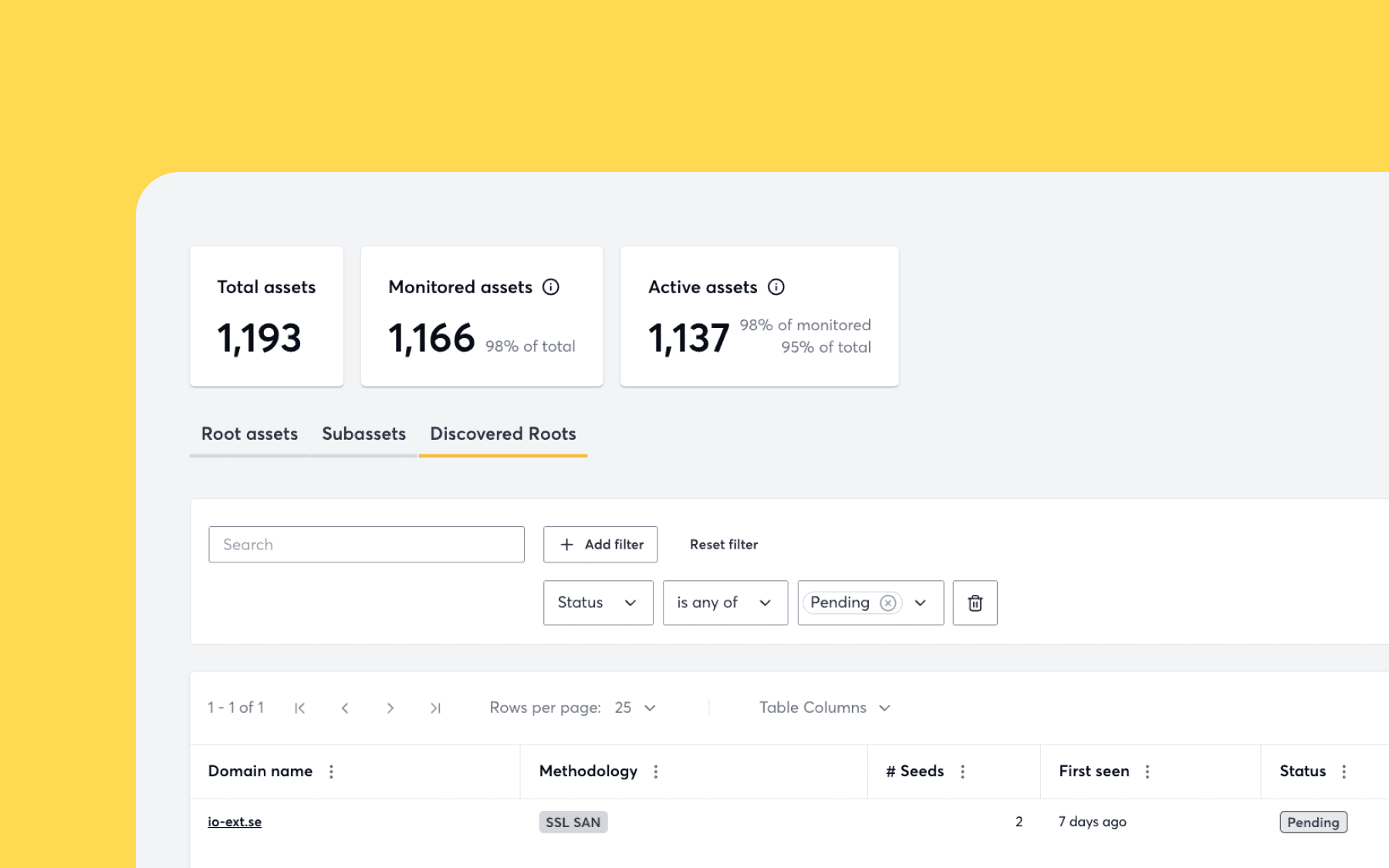
We’ve improved the navigation of our tool so that users can easily access the attack surface and scan settings.
Simple and intuitive design is at the core of how we design. That’s why we’ve improved the navigation of our tool so that users can easily access the attack surface and scan settings.
Since launching the attack surface view earlier this year, we’ve heard from some users that finding the attack surface view isn’t very clear. This meant some users were missing out on insights across their expanding attack surface, such as open ports and DNS information. We also learned that accessing information about your scan settings was not very clear to users. We’ve since addressed this in our latest product update.
Now, it’s clearer to users where they can find and manage their attack surface and configure scans with the new Surface Management and Scan Management on the navigation column.

What can I do from the Surface Management view?
- Access information about your root assets and attack surface.
- This includes information such as open ports, DNS record types, IP addresses, and much more.
What about the Scan Management view?
- List, create and configure Application Scanning Profiles for your assets.
- Start or stop Application Scans, and see their results.
Check out our knowledge base for more information about the attack surface and scan setting.
Recently added crowdsourced vulnerabilities
Here is a list of all new medium, high, and critical severity modules added recently from our community of ethical hackers. You can find a complete list of new vulnerabilities added to Surface Monitoring and Application Scanning by viewing the “What’s New?” section in-tool.
- Bitrix Site Manager Path Traversal
- CVE-2019-12581: Zyxel ZyWALL XSS
- CVE-2022-26134: Atlassian Confluence RCE via OGNL Template Injection
- CVE-2022-29455: WordPress Elementor Plugin DOM Based XSS
- Guacamole Default Credential
- CVE-2022-22181: Juniper J-Web XSS Vulnerability
- CVE-2021-40822: Geoserver SSRF
- CVE-2022-30777: Parallels H-Sphere 3.6.1713 Reflected XSS
- WordPress Plugin “Google Tag Manager for WordPress” XSS
Log in to get an overview of what is exposed on your attack surface.