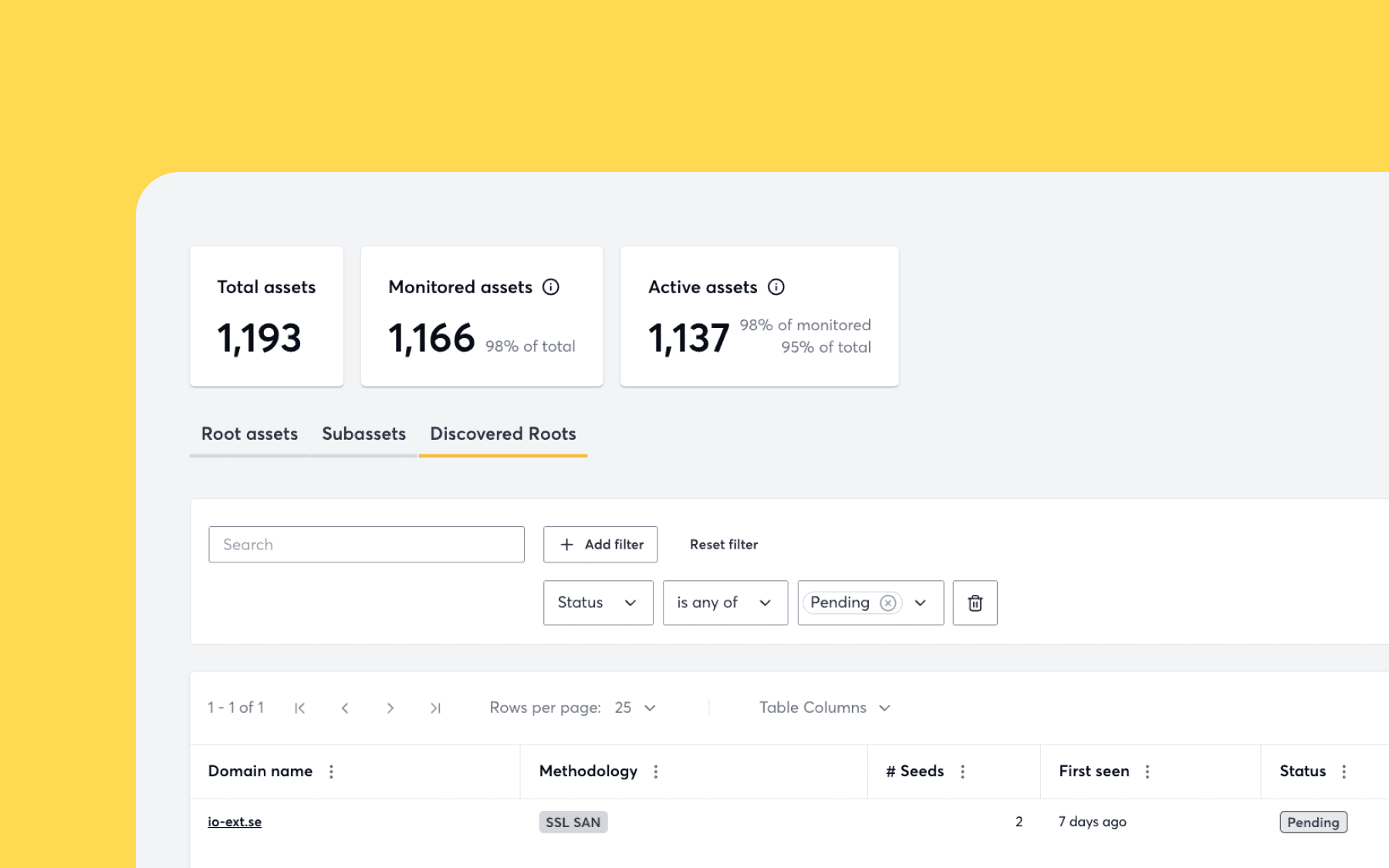
Introducing Apex Discovery to secure every domain you actually own
Most tools will only test the domains you already know about. We’ve decided that’s not enough. TLDR: Detectify’s new Apex Discovery automatically identifies root domains …
Detectify
Most organizations share a common, uncomfortable secret: they can’t answer basic questions about what is actually exposed on their IP ranges.
As companies grow, whether through decades of history, global data centers, or regional allocations, they lose visibility of their IP footprint. Traditional manual reconnaissance is a point-in-time sync, often leaving security teams blind to what’s actually running on their infrastructure.
Today, we are excited to pull back the curtain with the launch of IP Range Scanning as part of Surface Monitoring. By bringing the power of Detectify’s Surface Monitoring to IP addresses, we’re helping you find vulnerabilities across your entire network and automating the manual work so security teams can finally see their entire attack surface in UI. IP Range Scanning is now available for IPv4 ranges (up to 65,536 IPs per range).
For many security teams, IP reconnaissance currently requires significant manual effort using tools like Nmap. While effective for a single moment, it’s a grueling process to perform continuously.
Detectify uses continuous IP range scanning, eliminating the need to run nmap repeatedly.
Without continuous visibility, organizations often miss:
IP Range Scanning isn’t a separate, bloated tool; it’s a seamless extension of the Detectify platform. We’ve simplified the process so you can secure your network without a manual or another tool.
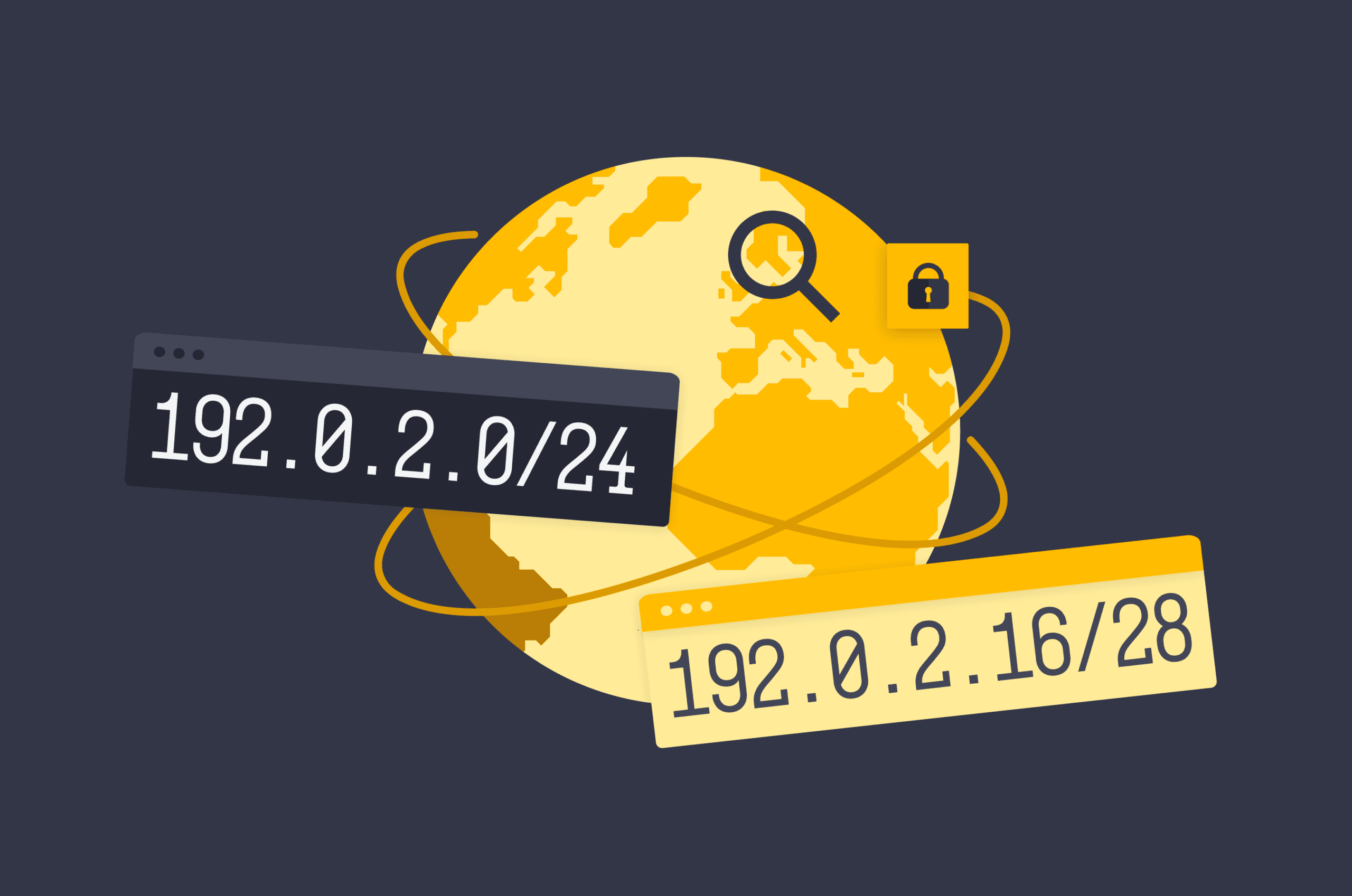
Forget adding thousands of IPs individually. Using CIDR notation, you can group and add entire ranges in seconds. Whether your IPs are owned directly or allocated by an ISP, Detectify breaks the range down and monitors each IP individually.
We’re moving away from fragmented views. Within the UI, there is a tab called Monitored Assets. Here, your domains and IP ranges live side-by-side. If a vulnerability is found on an IP, it’s available to see in your Vulnerabilities page, just like any other finding.
This is where the magic happens. By pairing IP Range Scanning with our Protocol Discovery engine, Detectify identifies the specific services running on those IPs, from standard web apps to funky industrial protocols. We have added new fingerprinting to Protocol Discovery, just like other Detectify products. Once we find those web apps, we test them with our 100% payload-based proprietary vulnerability engines
IP ranges are high-value assets, yet they are frequently neglected. This can be due to traditional reconnaissance often being a manual, point-in-time “time sync” that fails to keep pace with dynamic environments. Many organizations are unable to answer questions about what is actually exposed on their infrastructure, especially when web apps or databases aren’t tied to a known DNS or domain name. This visibility gap is further complicated by legacy systems and high-value IPv4 allocations that have been held for decades, resulting in forgotten assets and services, like old medical hardware or unauthorized servers, that remain unmonitored and vulnerable.
Though every customer can benefit from greater control over their IP’s, this feature is built specifically for:
In the Detectify tool, users don’t have to add thousands of individual IP addresses. Instead, they provide a CIDR notation (e.g., a /16 or /24 range).
Detectify’s Surface Monitoring engine then takes the CIDR notation and identifies every individual IP address within the range that the organization owns or has been allocated by an ISP or Regional Internet Registry (RIR).
The scanner runs across the range to find what services are running. It looks for more than just open ports; it identifies specific protocols and services (like RDP, database protocols, or web apps) that may not be tied to a known domain name or DNS record.
Once assets are identified:
Ready to see what’s hiding on your IP ranges? Log in to your Detectify dashboard and navigate to Attack Surface > Monitored Assets to see what’s hiding on your IP’s. Add your first CIDR range to Surface Monitoring today. Book a demo to talk to our experts or start a 2-week free trial to see it in action.
Most tools will only test the domains you already know about. We’ve decided that’s not enough. TLDR: Detectify’s new Apex Discovery automatically identifies root domains …
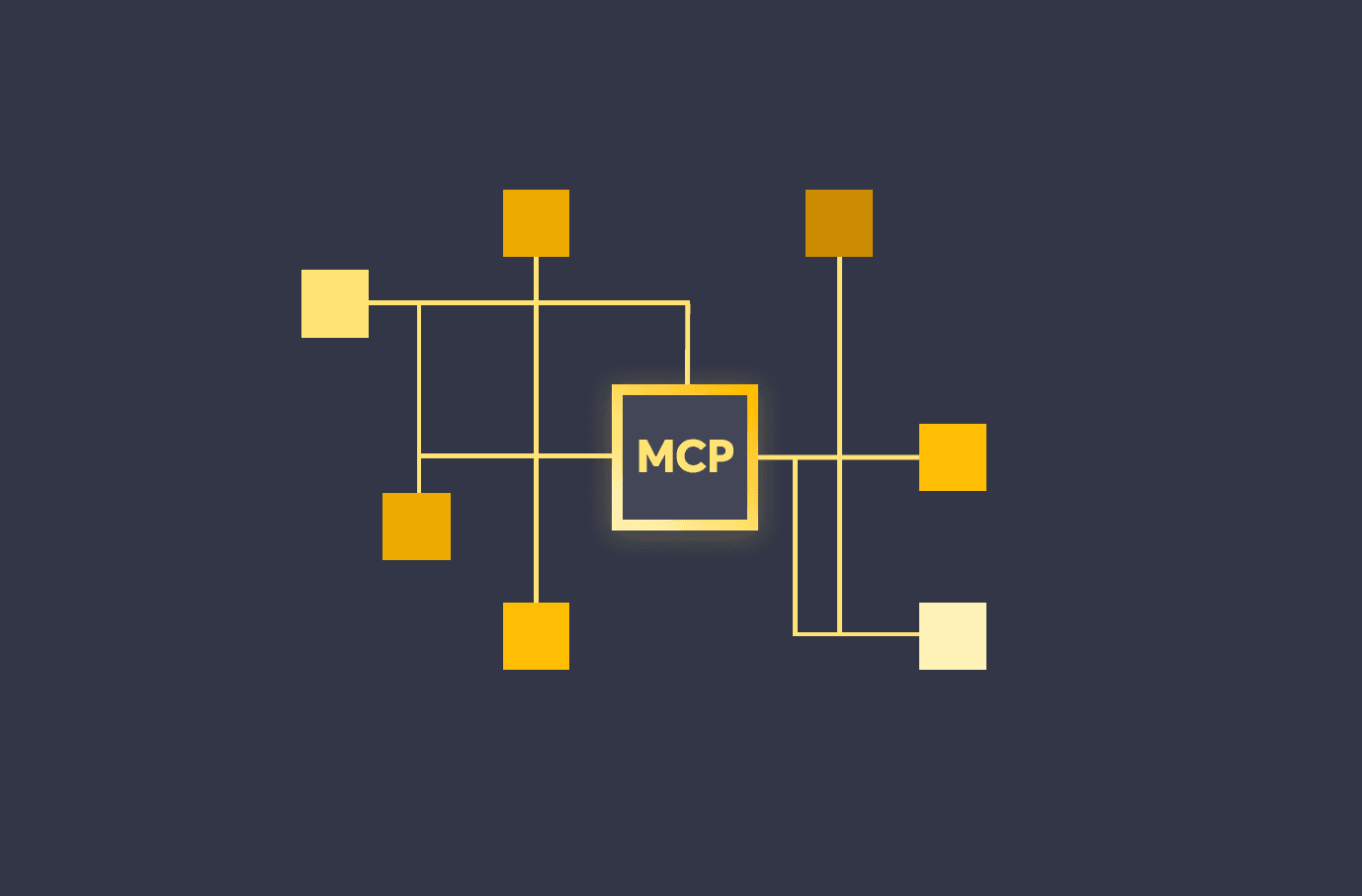
We are launching the Detectify MCP Server to deliver real-time vulnerability data and attack surface insights directly into your AI-powered workflows. Built for developers and …