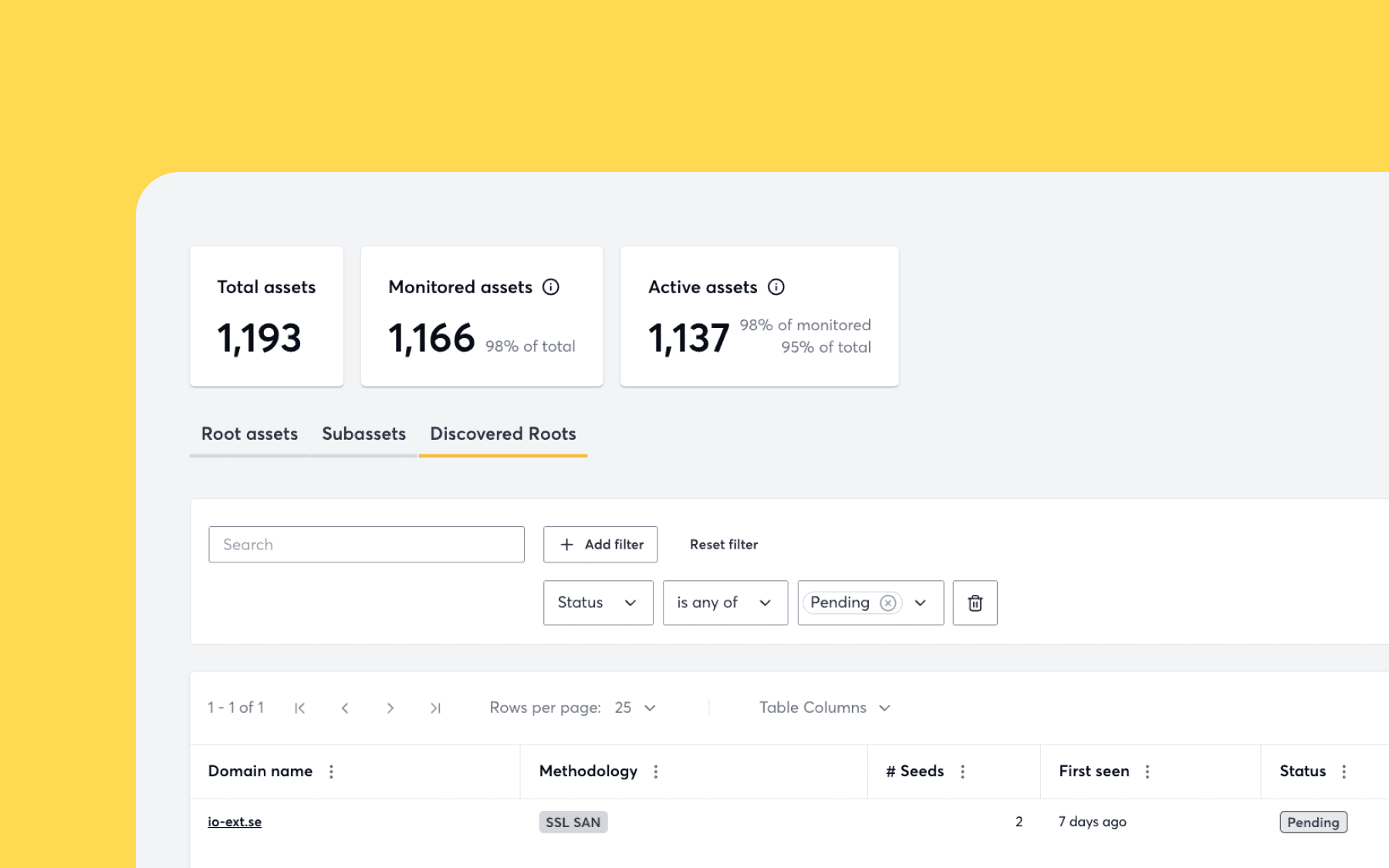
Introducing Apex Discovery to secure every domain you actually own
Most tools will only test the domains you already know about. We’ve decided that’s not enough. TLDR: Detectify’s new Apex Discovery automatically identifies root domains …

Victor Arellano

Many security teams have thousands – if not hundreds of thousands! – of known assets and unknown assets that they continuously monitor for vulnerabilities and risks. Viewing large volumes of assets can be cumbersome, particularly when observing a specific characteristic of an asset, such as the technologies it’s hosting or its DNS record type. That’s why we’re adding additional customization to the All Asset view.

It is now possible to customize the following:
Haven’t yet heard about the new navigation in our tool? Don’t worry, we’ve covered how you can use our new navigation in a previous product update.
Detectify leverages crawling and fuzzing to find vulnerabilities in assets that normally can’t be reached through stateless testing. Our web app scanner, Application Scanning, has undergone some major improvements to increase scan efficiency – as a result, users get results faster and with more concise vulnerability data on which to take action.
If you’re curious to learn more about Application Scanning, you can check out our knowledge base which goes into more detail about its capabilities.
Here is a list of all new modules recently added from our community of ethical hackers. You can find a complete list of new vulnerabilities added to Surface Monitoring and Application Scanning by viewing the “What’s New?” section in-tool.
Most tools will only test the domains you already know about. We’ve decided that’s not enough. TLDR: Detectify’s new Apex Discovery automatically identifies root domains …
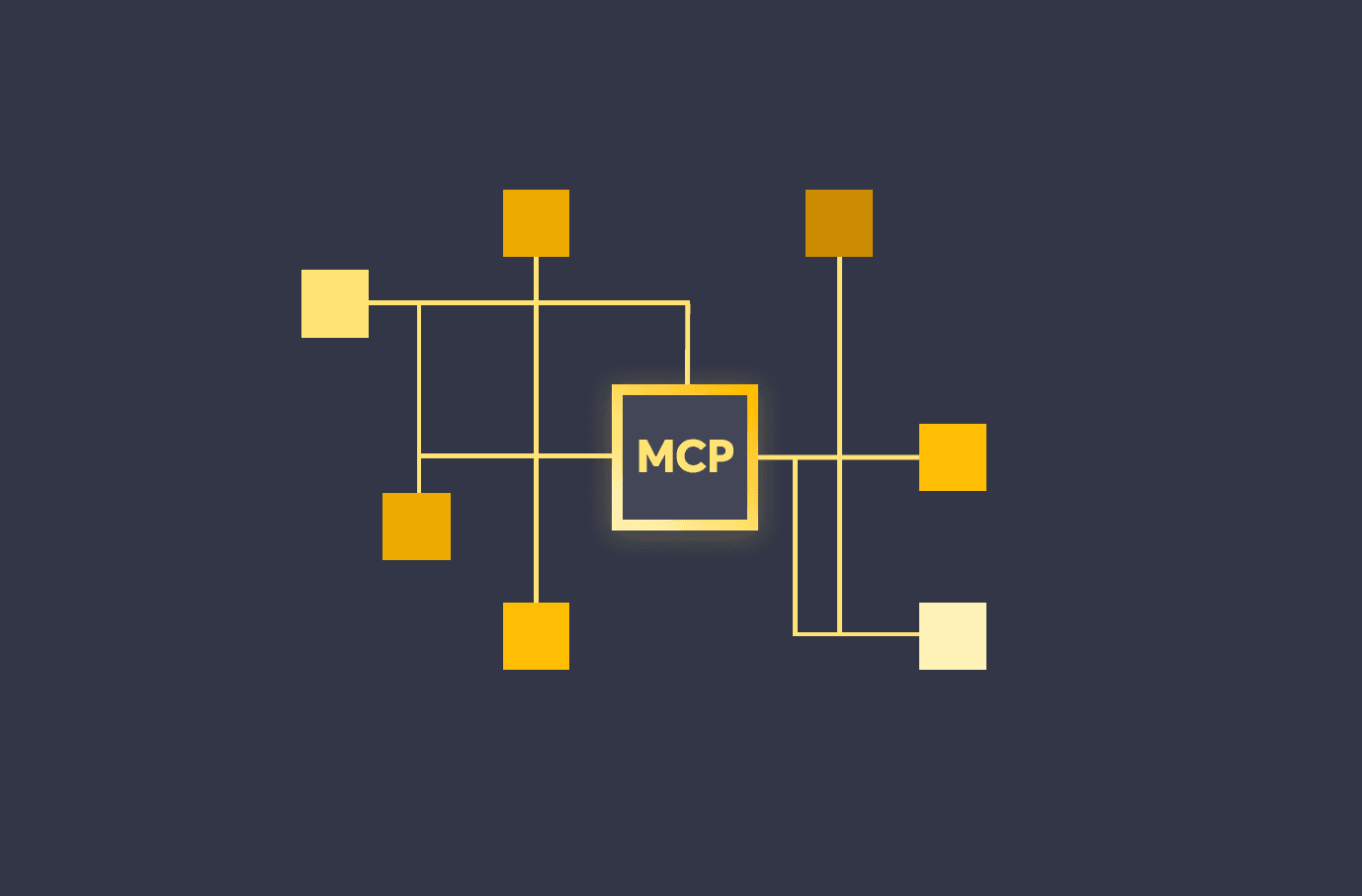
We are launching the Detectify MCP Server to deliver real-time vulnerability data and attack surface insights directly into your AI-powered workflows. Built for developers and …